SciSuite, Science Should Be Sweet!

See It in Action

MinusPlus Matrix + Line Marker WesternBo
Add line markers, plus/minus matrices, and lane labels above blot images.
Inset ImageXi
Create magnified insets from selected regions with optional strokes and connector lines.
Significance Mark (Multi) ChartEr
Batch-add significance marks for all group combinations using guides as anchor positions.
Resize to Guide SciPanel
Resize layers to nearest guides — snap panels to your layout grid instantly.
Align to Anchor Object SciPanel
Align selected layers to an anchor object, similar to Illustrator's Align to Key Object.
Better Distribution SciPanel
Distribute objects with a specified spacing while aligning them simultaneously.

5 Plugins. One Mission.

GuideMi

GuideMi

Guide & Layout Management

Margins, grids, golden ratio, unequal divisions, and guide layout snapshots with smart boundary detection and live preview.

WesternBo

WesternBo

Western Blot & Gel Tools

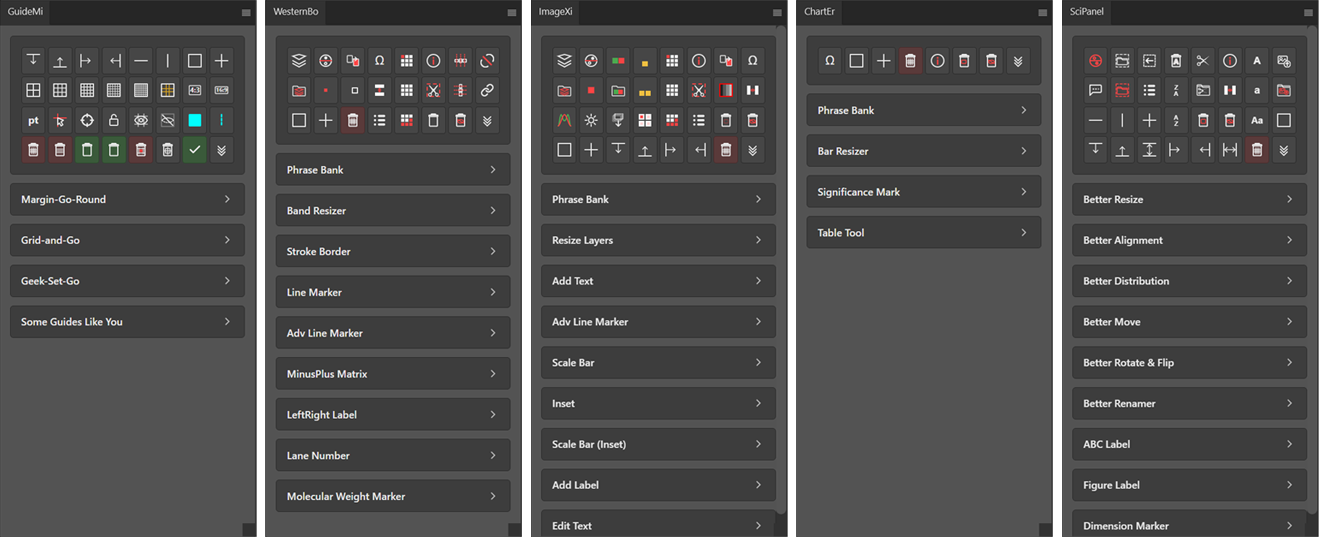
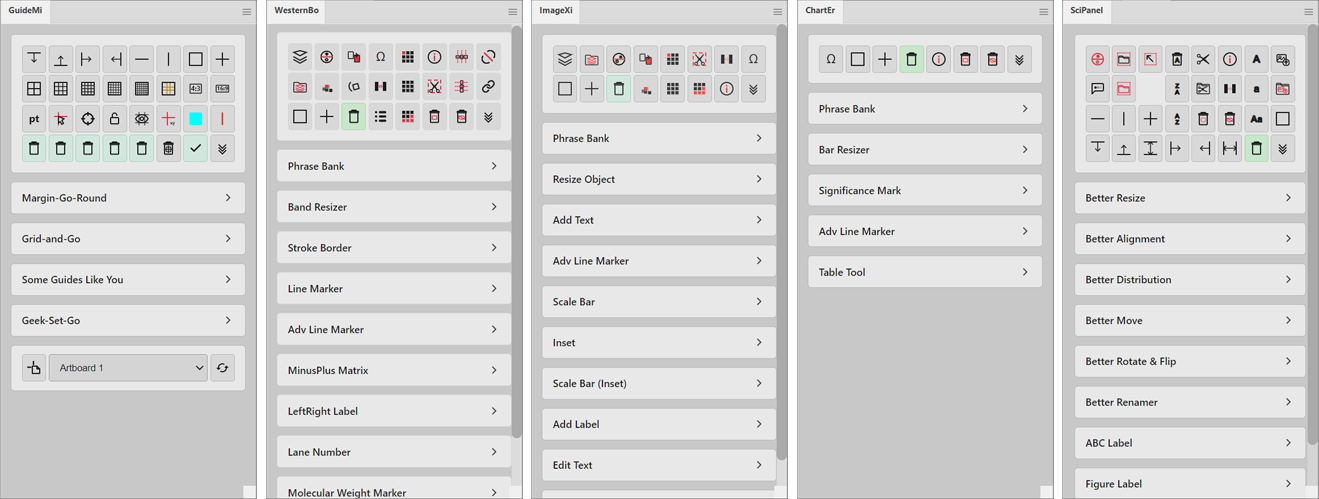
Lane labeling, molecular weight markers, band resizing, stroke borders, line markers, and plus/minus matrices for blot figures.

ImageXi

ImageXi

Microscopy Image Processing

Scale bars, channel split/merge, pseudo-color LUTs, magnified insets, sequential labeling, and batch layer resizing for microscopy figures.

ChartEr

ChartEr

Chart Annotation & Tables

Significance marks, bar resizing, advanced line markers, table drawing, and phrase bank for annotating charts and graphs.

SciPanel

SciPanel

Figure Panel Assembly

Multi-panel layout with smart resize, alignment, distribution, ABC labeling, figure labels, dimension markers, and batch export to PNG/TIFF/PDF.

Key Features

220+ Specialized Tools

Grids and guides, blots cropping and annotations, scale bars, inset, channel split/merge and pseudo-color, significance marks and tables, panel layout with advanced alignment, distribution, and batch export.

Vector-Based Output

Stroke borders, line markers, scale bars, significance marks, tables, and dimension markers are all generated as vector shape layers. Crisp at any resolution, ready for journal submission without rasterization artifacts.

Easy-to-Use

Select your target, set a few options, hit Go. If something isn't right, the plugin tells you exactly what to fix. Click, long-press, right-click, and scroll wheel give you full control without leaving the panel.

17-Language Localization

中文, 日本語, 한국어, العربية, Deutsch, English, Español, Español (Latinoamérica), Français, Indonesia, Italiano, Português (Brasil), Português (Portugal), Русский, Türkçe. Your whole research team covered, worldwide.

Single-Step Undo

In Photoshop, a single plugin action may modify dozens of layers, normally requiring many undo steps to revert. SciSuite wraps each operation into one history state, so one Ctrl+Z takes you right back.

Preset System

Save your settings, export them as files, and share across your lab. Everyone gets the same style, consistent figures, zero setup when switching machines or onboarding new members.
Course Licensing

Using SciSuite to teach your students? We offer discounted licenses for instructors. Get in touch to learn more.

Download

Photoshop Plugins

All
GuideMiWesternBoImageXiChartErSciPanel
GuideMi WesternBo ImageXi ChartEr SciPanel

Illustrator Plugins

All
GuideMiWesternBoImageXiChartErSciPanel
GuideMi WesternBo ImageXi ChartEr SciPanel

PowerPoint Plugins (Win)

All
GuideMiWesternBoImageXiChartErSciPanel
GuideMi WesternBo ImageXi ChartEr SciPanel